Free Wi-Fi QR code for your holiday let.
Guests scan it with their phone camera and connect instantly. No more spelling out passwords. Create, download and print yours in seconds.
Your network
Scan with your phone camera to connect
Enter your network name to create your code.
Wi-Fi is question one. Welcomly answers the rest.
Put your Wi-Fi, check-in, house instructions and local tips in one guest guide with a single QR code, plus a Book again direct button for guests who want to return.
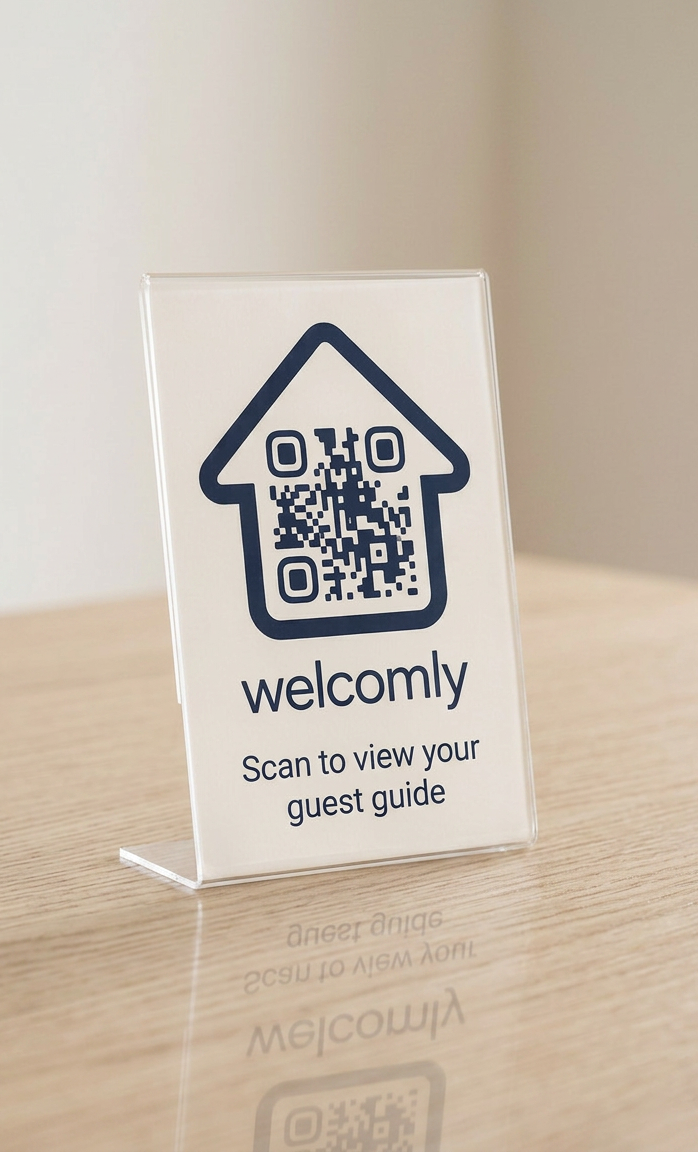
How to use your Wi-Fi QR code
- Enter your details exactly as they appear on your router. Network names and passwords are case-sensitive.
- Test it by scanning with your own phone camera before you print.
- Print and display it somewhere guests look first: the kitchen worktop, beside the router, or inside the welcome folder.
Where to put it in a holiday let
Guests usually reach for the Wi-Fi within minutes of arriving. Good spots are the kitchen worktop, the hallway table, beside the TV, or on the back of the front door. In caravans and lodges, the worktop by the kettle works well.
Wi-Fi QR code questions
Do guests need an app to scan it?
No. Modern iPhones and Android phones scan Wi-Fi QR codes with the built-in camera and offer to join the network.
Is it safe to print my Wi-Fi password?
Only display it where guests can see it, not where passers-by can. If you prefer, untick "Show the password" and the QR code still connects guests.
What if I change my Wi-Fi password?
Create a new code and reprint it. In a Welcomly guide, you just update the password once and every guest sees the new one instantly.
Is this tool really free?
Yes. No sign-up, no watermark on the QR code and nothing is sent to our servers.