Checkout instructions work best when guests can read them before they are packing the car. Put the main details together in the after-stay section.
In this guide
Keep departure manageable
Example: “Checkout is by [time]. Please put used towels in [place], leave the keys in [place], check for belongings and close the door securely. Let us know if anything needs attention. Thank you for staying.” Add only the tasks that apply to your property and match the arrangements already communicated to guests. Keep a review request separate from the essential checkout instructions.
Why after-departure information matters
Guests often check departure information on the final morning of their stay, when they are packing, tidying up and preparing to leave.
If the information is clear, they are less likely to message you with last-minute questions.
Good after-departure information can help guests:
- know what time they need to leave
- understand what to do before checking out
- leave keys or access items in the right place
- follow simple cleaning or rubbish instructions
- leave a review after their stay
- book with you again in the future
This section should be simple, friendly and easy to follow.
Add clear check-out instructions
Your check-out card should explain exactly what guests need to do before leaving the property.
Start with the check-out time.
For example:
Check-out is by 10:00am.
If late check-out is sometimes available, keep the wording flexible.
For example:
Late check-out may be available by request, but please wait for confirmation before planning a later departure.
This helps avoid confusion and gives guests a clear deadline.
What to include in check-out instructions
Check-out instructions should be practical, not overwhelming.
You may want to include:
- check-out time
- where to leave the key
- whether guests should lock doors and windows
- what to do with used towels
- whether beds should be stripped
- where rubbish and recycling should go
- whether heating or lights should be turned off
- any final parking or gate instructions
Only ask guests to do things that are realistic and genuinely useful.
Keep the tone friendly
Check-out instructions should not feel like a long list of demands.
A friendly tone makes guests more likely to follow the instructions and leave on a positive note.
For example, instead of:
You must be out by 10am. Strip all beds. Empty bins. Lock all doors. Leave keys in the box.
You could write:
Check-out is by 10:00am. Before you leave, please lock the doors and windows, place used towels in the bathroom, and return the key to the key safe. Thank you for helping us prepare the cottage for the next guests.
The second version is still clear, but it feels much more welcoming.
Example check-out wording
Here is a simple check-out message you could adapt:
Check-out is by 10:00am. Before leaving, please make sure all windows are closed, lights are switched off, and the front door is locked. Used towels can be left in the bathroom. Please return the key to the key safe and scramble the numbers after closing it.
This gives guests a clear set of steps without making the section too long.
Add key return instructions
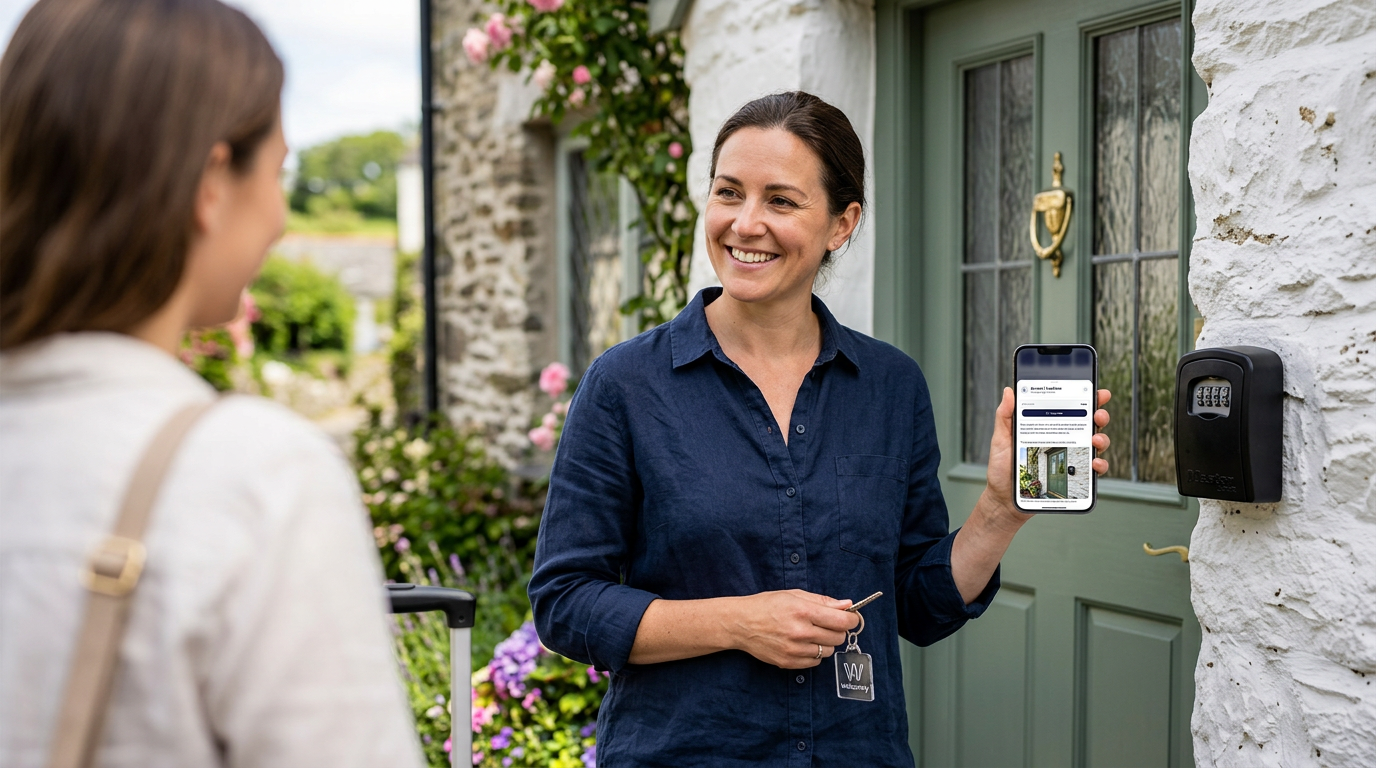
If guests use a key, lockbox or key safe, explain exactly where the key should be left when they check out.
Useful details include:
- whether the key should go back in the key safe
- whether guests should lock the door first
- whether the key safe numbers should be scrambled
- whether any spare keys should be returned
- who to contact if there is a problem
Make this section very clear. Missing or misplaced keys can cause problems for the next guest and the changeover team.
Add rubbish and recycling notes
If guests need to deal with rubbish or recycling before leaving, include clear instructions.
You may want to mention:
- where general waste should go
- where recycling should go
- whether food waste is collected separately
- whether guests should put bins out
- what day bins are collected
If the bin area is not obvious, you can add a photo or mention where guests can find it.
Do not overdo the check-out list
Guests understand that they should leave the property respectfully, but a long check-out list can feel frustrating.
Try to keep your instructions focused on the essentials.
Avoid asking guests to do too much unless it is genuinely necessary.
A short, clear list usually works better than a long set of rules.
Add a review link
If you want guests to leave a review, add your preferred review link to the Leave a Review card.
This gives happy guests an easy way to leave feedback after their stay.
You might link to:
- Google Reviews
- Airbnb
- Booking.com
- TripAdvisor
- Trustpilot
- another review platform
Use the review link that matters most for your business.
Keep your review request simple
Your review request should feel polite and natural.
Avoid making guests feel pressured.
For example:
If you enjoyed your stay, we’d really appreciate a quick review. It helps future guests book with confidence and means a lot to us.
This feels warmer than a blunt request for feedback.
Example review wording
Here is a simple review message you could use:
Thank you for staying with us. If you enjoyed your visit, we’d be really grateful if you could leave us a review using the link below. Your feedback helps other guests and supports our small business.
You can adjust this depending on the tone of your property and brand.
Check your review link before publishing
Before publishing your guide, test your review link.
Make sure it opens the correct review page and does not lead to the wrong property, wrong business profile or a broken page.
If you use more than one platform, choose the one where reviews are most valuable to you.
You can always update the link later if your review strategy changes.
Add book-again options
The Book Again card gives happy guests a simple way to return in the future.
This is especially useful if you want to encourage direct repeat bookings.
You can add book-again options such as:
- booking website link
- phone call
- SMS
You can choose which options appear and put them in your preferred order.
Why book-again details are useful
If guests have enjoyed their stay, they may want to return later.
Without a clear book-again option, they may go back through a booking platform, search online, or forget the property name completely.
A direct book-again option gives them a simple route back to you.
This can help encourage repeat stays and reduce reliance on third-party booking platforms.
Choose your preferred booking method
Think about how you want returning guests to contact you.
If you have your own booking website, you may want to place the website link first.
If you prefer a conversation before confirming repeat bookings, you may prefer WhatsApp, phone or email.
Only include options you are happy to manage.
Example book-again wording
Here is a simple message you could adapt:
Loved your stay? We’d be delighted to welcome you back. Use the options below to book direct next time or get in touch about future availability.
This keeps the message friendly and encourages guests to return without sounding too pushy.
Use the right order for book-again options
Welcomly lets you choose the order of your book-again methods.
Put your preferred option first.
For example, your order might be:
- Book on our website
- WhatsApp us
- Email us
- Call us
Or, if you do not have a direct booking website yet, you might use:
- WhatsApp us
- Email us
- Call us
The best order is the one that matches how you actually want to handle repeat enquiries.
Keep the book-again message separate from the review request
Reviews and repeat bookings are both useful, but they are different actions.
Try not to overload one message with too many requests.
The Leave a Review card should focus on feedback.
The Book Again card should focus on returning in the future.
This keeps the guest experience clearer.
Make sure links and contact options work
Before sharing your guide, test every button and contact method in your After departure section.
Check that:
- the review link opens correctly
- the booking website link works
- WhatsApp opens the right number
- phone links call the right number
- SMS links open correctly
- email links use the right email address
This is worth checking because a broken link can cost you reviews or repeat bookings.
Keep after-departure information visible
After-departure cards should be easy to find near the end of the guide.
Guests may look for this section on the morning they leave, so avoid hiding important check-out instructions too deeply in the guide.
In Welcomly, these cards sit naturally in the After departure section, keeping them separate from arrival and during-stay information.
Preview the After departure section
Once you have added check-out, review and book-again details, preview the guide as if you were a guest.
Check that:
- check-out instructions are easy to understand
- the tone feels friendly
- key return instructions are clear
- review links work
- book-again options appear in the right order
- buttons are easy to tap on mobile
If anything feels confusing, update the card before publishing or sharing the guide.
Update these details when needed
Your check-out, review and book-again details may change over time.
You might update your review platform, change your direct booking link, adjust your check-out process, or change how you want guests to contact you.
Because your Welcomly guide is digital, you can update these details anytime.
Once saved, the guest guide updates instantly. There is no need to reprint anything or resend a PDF.
Simple checklist
Before publishing your guide, check that you have added:
- clear check-out time
- key return instructions
- door and window locking instructions, if needed
- towel, rubbish or recycling notes, if useful
- a working review link
- a friendly review request
- book-again options
- your preferred book-again order
- working contact links
- clear mobile-friendly wording
Good after-departure details help guests leave smoothly, encourage reviews and make it easier for happy guests to come back again.
Check each booking platform’s rules first. Airbnb’s off-platform policy does not allow hosts to encourage guests to move current, future or repeat bookings off Airbnb, or to include links that take guests off the platform. Other platforms and agencies have their own terms. Switch the Book again direct button off, or point it somewhere appropriate, for guides you share with guests from those channels. Our page on winning more direct bookings from past guests explains how to use it well.
Ready to build your guide?
Free to build. 30 days free when you publish. £4.99 a month after that.