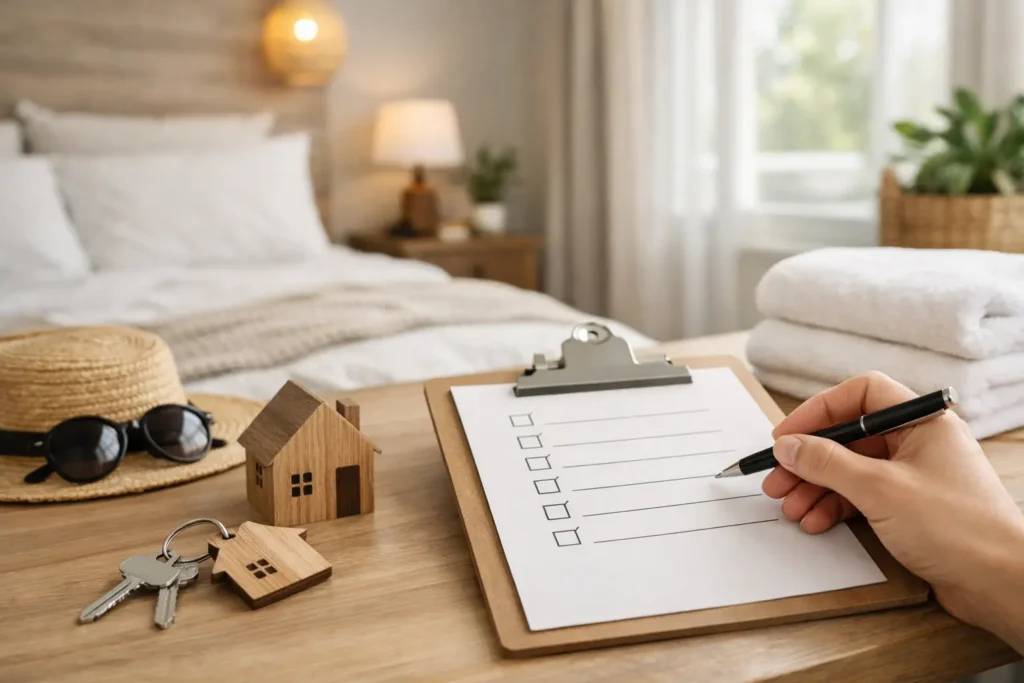
Before welcoming your first guests, test the stay from their point of view. This checklist focuses on property information and communication. It is not a substitute for checking the legal, insurance, safety and platform requirements that apply to your property.
In this guide
Do an arrival rehearsal before your first booking
Ask someone who has not seen the property to use your arrival message and guide. Have them find the entrance, identify the parking space, connect to Wi-Fi and locate the checkout instructions. Note where they pause or ask a question. Update the wording and photographs, then repeat the difficult parts. This is a communication check, not a substitute for the property’s legal or safety requirements.
What a good Airbnb set up checklist should cover
A useful checklist needs to go beyond furniture and décor. Hosts often spend heavily on styling, then leave the operational details until the last minute. Guests notice both, but they complain about the second.
Your setup needs to cover five areas: legal and safety basics, the physical property, guest supplies, listing accuracy, and stay communication. Miss one, and the rest of the experience can feel patchy.
Start with safety, compliance and the non-negotiables
Before you think about soft furnishings or welcome treats, make sure the property is safe and compliant. The exact requirements depend on your location and setup, especially if you are hosting in the UK, but the basics are straightforward. Working smoke alarms, carbon monoxide alarms where required, secure locks, clearly tested electrics and safe appliances should all be in place before taking a booking.
You should also think practically about emergency information. If a guest needs to know how to shut off water, where the fuse box is, or what to do in an urgent situation, that information needs to be easy to access. Hosts often assume guests will ask if needed, but in reality many guests would rather struggle than message.
Insurance matters too. Standard home insurance may not cover short-term letting, so this is one of those setup steps that is easy to overlook and expensive to get wrong.
Prepare the property for real stays, not just viewings
A listing can look excellent in photos and still be awkward to use. This is where many new hosts learn the difference between a nice space and a functional stay.
Walk through the property as if you were arriving after a long journey. Is the entrance obvious? Are light switches easy to find? Can guests tell which remote controls what? Is there somewhere sensible to put luggage, hang coats and charge phones? These details shape the guest experience more than one extra cushion ever will.
Furniture should be durable and easy to clean. Decorative choices need to work with your turnover schedule, not against it. White towels can look smart and wash well, but only if you have enough stock to rotate properly. Open shelving can look attractive, but it also collects dust and makes cleaning slower. There is always a trade-off between style and maintenance.
It is also worth checking sleep comfort properly. A decent mattress, blackout curtains where possible, and enough pillows for different preferences will do more for reviews than trend-led décor.
The supplies guests expect without asking
Most guests assume certain basics will be there, and they do not always read the listing closely enough to confirm. That means your Airbnb set up checklist should include the obvious essentials as well as the things people only notice when missing.
In the kitchen, that means enough crockery and cutlery for maximum occupancy plus extras, cooking basics, a kettle, and equipment that matches the type of guest you attract. A city flat for one-night business stays needs something different from a family cottage booked for a week.
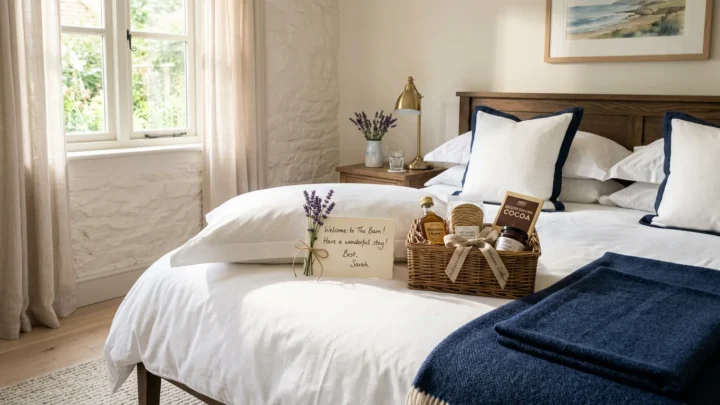
In the bathroom, think beyond towels. Toilet roll, hand soap, a bath mat and simple toiletries can make arrival easier, especially for late check-ins. In bedrooms, spare bedding and easy-to-find hangers help the property feel prepared rather than improvised.
Cleaning supplies matter as well. Guests do not expect to deep clean, but they do expect to be able to wipe up a spill or find a spare bin bag.
Build a listing that matches reality
A strong listing is accurate first and persuasive second. Overpromising is one of the fastest ways to damage your reviews, especially when new hosts are trying to stand out.
Your photos should reflect the actual layout, lighting and amenities. If parking is limited, say so clearly. If the stairs are steep, mention it. If the second bed is a sofa bed, do not let the photos suggest otherwise. Guests are usually reasonable when details are clear upfront. They are less forgiving when they feel surprised.
Descriptions should answer practical questions before guests need to ask them. Who is the property best suited to? How does check-in work? Is there outdoor space? Is the Wi-Fi reliable enough for remote work? Are there any quirks that matter? The goal is fewer mismatched bookings and fewer repetitive messages.
Price for operations, not just occupancy
Many first-time hosts set prices based on nearby listings without factoring in their own costs and workload. It is worth checking whether your nightly rate actually supports cleaning, laundry, consumables, maintenance and platform fees.
Cheaper pricing can help early occupancy, but it can also attract bookings that create more operational strain than value. Higher rates raise expectations, of course, so this is not simply about charging more. It is about pricing in a way that matches the experience you can deliver consistently.
Create a reliable check-in and checkout system
This is where setup moves from property preparation into operations. Guests need arrival instructions that are clear, timed properly and easy to follow on a phone. If check-in depends on three separate messages, a photo buried in the platform inbox and a manual lockbox explanation, you are making life harder for both sides.
A good system includes arrival directions, parking details, entry steps, Wi-Fi, house rules, appliance guidance and checkout tasks in one place. That is one reason many hosts now replace printed folders with a digital guidebook guests can open instantly by QR code or link. It is easier to update, easier for guests to use, and much less likely to go missing or become outdated.
This is also the point where you can prevent repeat questions. If guests always ask how to use the hob, where to put rubbish, or whether they need to strip beds on departure, your setup is telling you what needs to be clearer.
Use an Airbnb set up checklist for guest communication too
Most hosting problems are not caused by major failures. They come from small information gaps repeated across dozens of stays. A guest cannot find the lockbox. Another misses the parking instructions. Someone else messages for the Wi-Fi password even though it was technically sent already.
That is why communication deserves its own place on your Airbnb set up checklist. You need the right information, but you also need it in the right format.
Printed welcome books can work, but they become outdated quickly and are awkward to maintain across multiple properties. Long pre-arrival messages are not much better, because guests often skim them. A simple digital guidebook keeps everything in one place and makes updates faster when codes, appliances or local recommendations change. For hosts managing several units, that consistency saves time very quickly.
If you use a system like Welcomly, the practical advantage is obvious: guests can open the guide instantly with no app download, and you can keep essential stay details organised without rebuilding the same information every time.
Test the full guest journey before going live
One of the most useful setup habits is to test everything yourself as though you were the guest. Do not just stand in the property and glance around. Start outside. Follow the parking instructions. Open the lockbox. Walk in with your hands full. Connect to the Wi-Fi. Turn on the shower. Use the oven. Read your own check-in message on a mobile screen.
This kind of testing reveals friction fast. You may realise the key safe is awkward in the dark, the house manual explains too much in one block, or the television needs much simpler instructions. These are easy fixes before launch and annoying issues after.
If possible, ask someone unfamiliar with the property to stay for a night and report back honestly. Hosts become blind to gaps because they already know how everything works.
Do not confuse launch-ready with perfect
A final point worth keeping in mind: your first version does not need to be flawless. It does need to be dependable. Many hosts delay going live because they are still tweaking artwork, adding decorative extras or rewriting listing copy for the fifth time. Meanwhile, the things that matter most are simpler – cleanliness, comfort, clear instructions and accurate information.
The best setup is one you can maintain consistently. If your process depends on memory, scattered notes and manual messages, it will start slipping as bookings increase. If it is organised from the start, guests get a smoother stay and you spend less time firefighting.
A good host setup should feel calm before the first booking arrives. If it still feels messy behind the scenes, that is usually the next thing to fix.
New hosts get the same first question again and again: the Wi-Fi. Our free Wi-Fi QR code generator creates a printable card guests can scan to connect, and our page on digital guidebooks for Airbnb hosts shows how to put check-in, codes and house rules in one link.
Put this into practice in minutes.
Free to build. 30 days free when you publish. £4.99 a month after that.