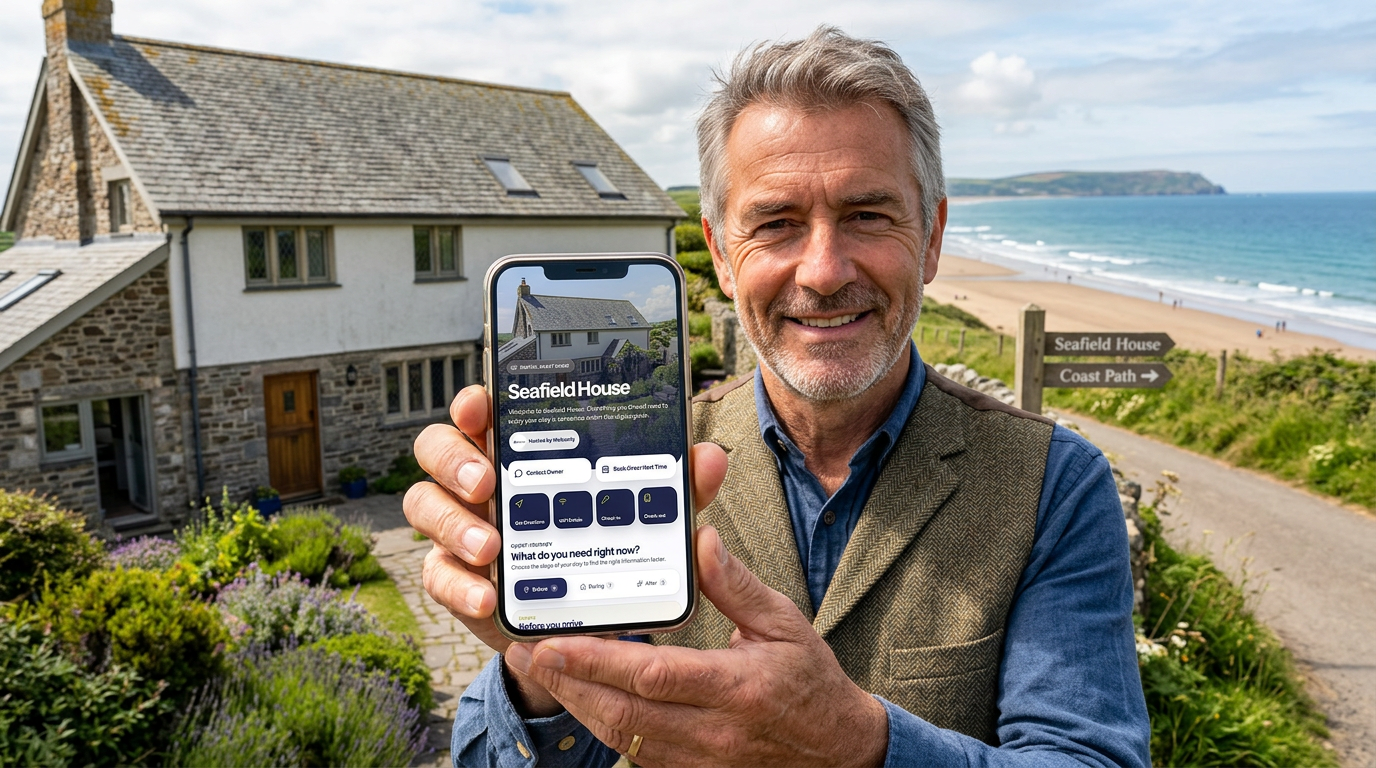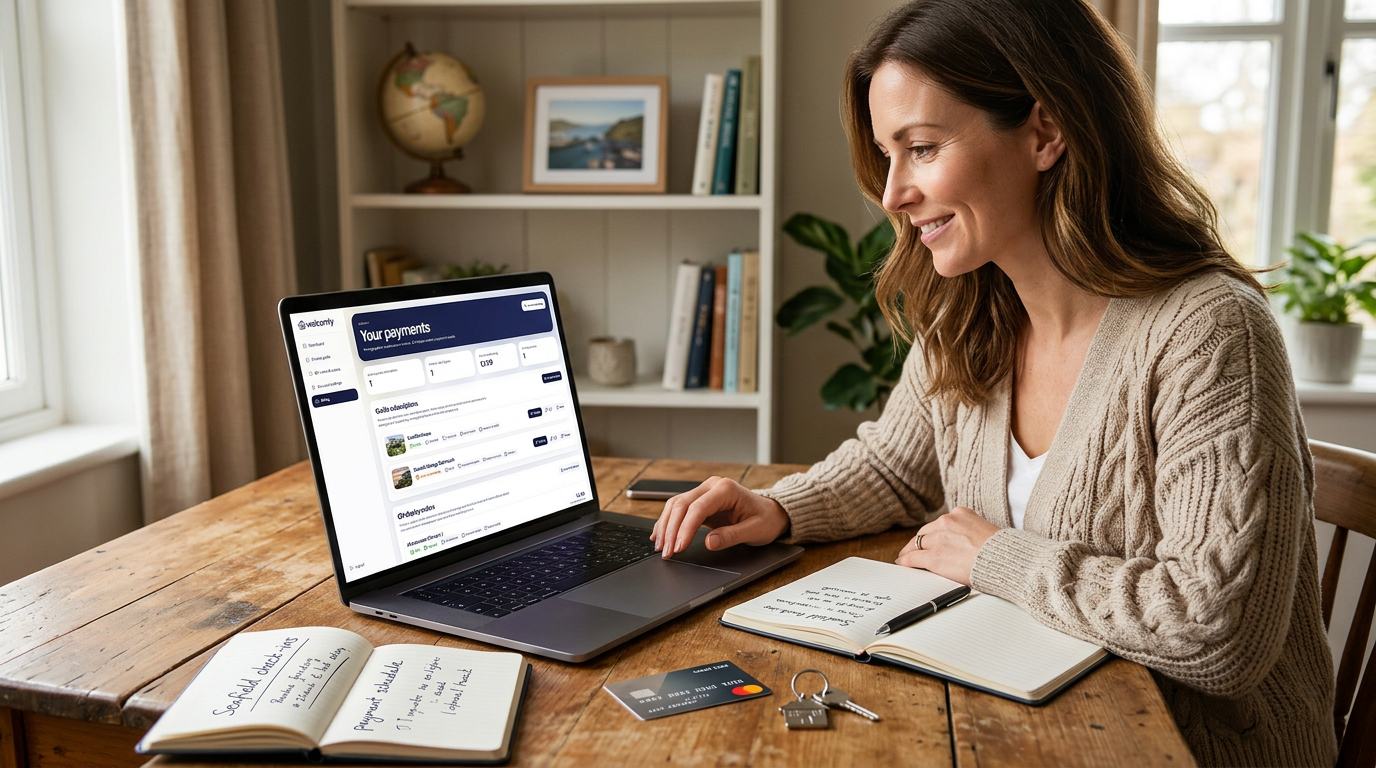
Publish when your essential information is ready and you have checked the guest preview. You can edit a published guide later, so you do not need every local recommendation finished first.
In this guide
If the payment page closes unexpectedly
Check your owner dashboard and billing status before opening another checkout. Look for the correct property name and whether the subscription or trial is active. If you received a payment confirmation but the guide still appears unavailable, contact support with the guide name and approximate time. Never send card numbers, security codes or account passwords.
What publishing means
Publishing a guide means making it live so guests can open and use it.
Once your guide is published and active, guests can access it using the public guide link or by scanning the QR code for the property.
Before publishing, your guide can stay as a draft while you add content, preview the guest experience and make any final changes.
Draft vs published status
Your guide can be saved in different states depending on whether it is still being worked on or ready for guests.
The two main statuses to understand are:
- Draft — the guide is saved, but not live for guests yet
- Published — the guide is live and ready for guests to use
A draft guide is useful while you are building or updating your guest information.
A published guide is what you use when you are ready to share the guide with real guests.
What is activation?
Activation is the step that makes a guide live for guest use.
You can build and preview your guide first, then activate it when you are happy with it and ready to share it.
This means you can take your time creating the guide without needing to publish it before it is ready.
Once a guide is activated, you can manage whether it is visible to guests from the publish settings.
Can I preview before activating?
Yes. You can preview your guide before activation.
This lets you check the guest experience, test your content and make sure important details are correct before the guide goes live.
Previewing is useful for checking:
- the property name and image
- address and directions
- check-in instructions
- parking and access details
- WiFi information
- PIN-protected cards
- QR code behaviour
- how the guide looks on mobile
If anything needs changing, return to the editor, update the relevant section and save the guide.
When should I publish my guide?
You should publish your guide once the essential guest information is complete and you are happy for guests to use it.
Your guide does not need to include every possible detail before publishing, but it should include the information guests need most.
Before publishing, it is worth checking that you have added:
- property name and image
- property address
- guest contact options
- check-in information
- parking instructions
- access or lockbox details, if needed
- WiFi details
- check-out instructions
You can always improve the guide later.
How to publish your guide
To publish your guide, open the guide inside the owner portal and go to the Publish section.
This area includes the tools you need to check, activate and share the guide.
Depending on your guide status, you may see options to activate the guide, change its publishing status, copy the guest message, view the public link or access the QR code.
If your guide is not yet active, follow the activation option shown in the owner portal.
Once the guide is active, you can set it to published when you are ready for guests to access it.
What happens when a guide goes live?
When your guide is live, guests can open it using the public guide link or QR code.
They will be able to view any visible guest cards you have included in the guide.
This may include:
- welcome information
- directions
- contact options
- check-in details
- parking information
- WiFi details
- house rules
- appliance instructions
- local recommendations
- check-out instructions
- review and book-again options
Guests do not need to download an app or create an account. They simply open the guide from the link or scan the QR code.
What can guests access?
Guests can access the sections and cards you have chosen to show in the guide.
If a card is hidden, guests will not see it.
If a card is PIN-protected, guests will need to enter the guest PIN before they can view the private information inside that card.
This gives you control over what is visible and what needs an extra layer of protection.
What information should be PIN-protected?
Some details are useful for guests but should not be completely public.
You may want to protect information such as:
- WiFi passwords
- lockbox or key safe codes
- gate codes
- alarm codes
- private access instructions
Before publishing, preview your guide and test any PIN-protected cards to make sure they unlock correctly.
Where to find the guest PIN
Your guide’s guest PIN is shown in the Publish section of the owner portal.
This is the PIN guests use to unlock protected cards.
You can include the PIN in your guest message or send it separately before arrival, depending on how you prefer to manage guest communication.
If you change the guest PIN later, remember to update any guest messages that include the old PIN.
Using the public guide link
Each guide has a public link that opens the guest-facing guide.
You can copy this link from the Publish section and send it to guests before arrival.
This is useful for messages sent through booking platforms, email, WhatsApp or SMS.
For example, you might send the guide link a few days before check-in so guests can read arrival information before they travel.
Using the QR code
Each guide also has a QR code.
Guests can scan the QR code with their phone camera to open the guide instantly.
This is useful once guests are already inside the property.
Many owners place the QR code somewhere easy to see, such as:
- kitchen counter
- entrance table
- welcome area
- fridge or noticeboard
- inside a printed display
- on an acrylic stand
Before placing the QR code in the property, scan it yourself and check that it opens the correct guide.
Using the guest message
The Publish section includes a ready-to-copy guest message.
This message can help you share the guide with guests quickly and consistently.
You can copy the message and paste it into your usual guest communication, such as:
- Airbnb messages
- Booking.com messages
- SMS
Always check the message before sending it, especially if you have changed the guide link, guest PIN or arrival details.
Can I update a guide after publishing?
Yes. You can update your guide after it has been published.
This is one of the biggest advantages of using a digital guide instead of a printed welcome book.
If your WiFi password changes, your lockbox code changes, your check-out process changes, or you want to add a new recommendation, simply edit the guide and save your changes.
The guest guide updates instantly, so guests see the latest information without you needing to reprint anything.
Can I hide a guide again after publishing?
If you no longer want guests to access a guide, you can change its status back to draft or make it unavailable, depending on the options shown in your owner portal.
This is useful if you are updating the guide, pausing a property, or do not want guests to use it for a period of time.
If a guide is not active or not published, guests may not be able to access the live version.
What if my guide is not showing as live?
If your guide is not showing as live, check the following:
- the guide has been activated
- the guide status is set to published
- you are using the correct public guide link
- the QR code belongs to the correct property
- the card you are looking for is not hidden
- PIN-protected cards are being unlocked with the correct PIN
If you recently changed something, refresh the guide and check again.
Before publishing checklist
Before making your guide live, check that:
- your property name is correct
- your property image looks good
- your address and postcode are accurate
- directions work correctly
- guest contact options are correct
- check-in and parking details are clear
- access and lockbox details are accurate
- private information is PIN-protected where needed
- WiFi details are correct
- check-out instructions are clear
- review and book-again links work
- the guide looks good on mobile
Once these details are checked, your guide is ready to activate, publish and share with guests.
After publishing checklist
After publishing your guide, it is worth doing one final guest-style test.
Open the public guide link or scan the QR code and check that:
- the guide opens correctly
- the visible cards appear as expected
- hidden cards are not shown
- PIN-protected cards ask for the guest PIN
- buttons and links work
- the QR code opens the right guide
- the guest message includes the right information
This final check helps make sure guests get a smooth experience from the start.
Publishing your guide with confidence
Publishing your guide does not mean the guide is finished forever.
You can continue improving it over time as you notice what guests ask for, what information needs updating, and what would make the stay smoother.
Start with the essentials, preview everything carefully, then publish when you are ready.
Your Welcomly guide can grow and improve with your property.
Current subscription terms
Build and preview a draft for free. First publication of an eligible new guide starts a 30-day free trial, then £4.99 per month per guide. A payment method is collected at publishing checkout. Check your billing account for renewal and cancellation dates. See current pricing.
Ready to build your guide?
Free to build. 30 days free when you publish. £4.99 a month after that.