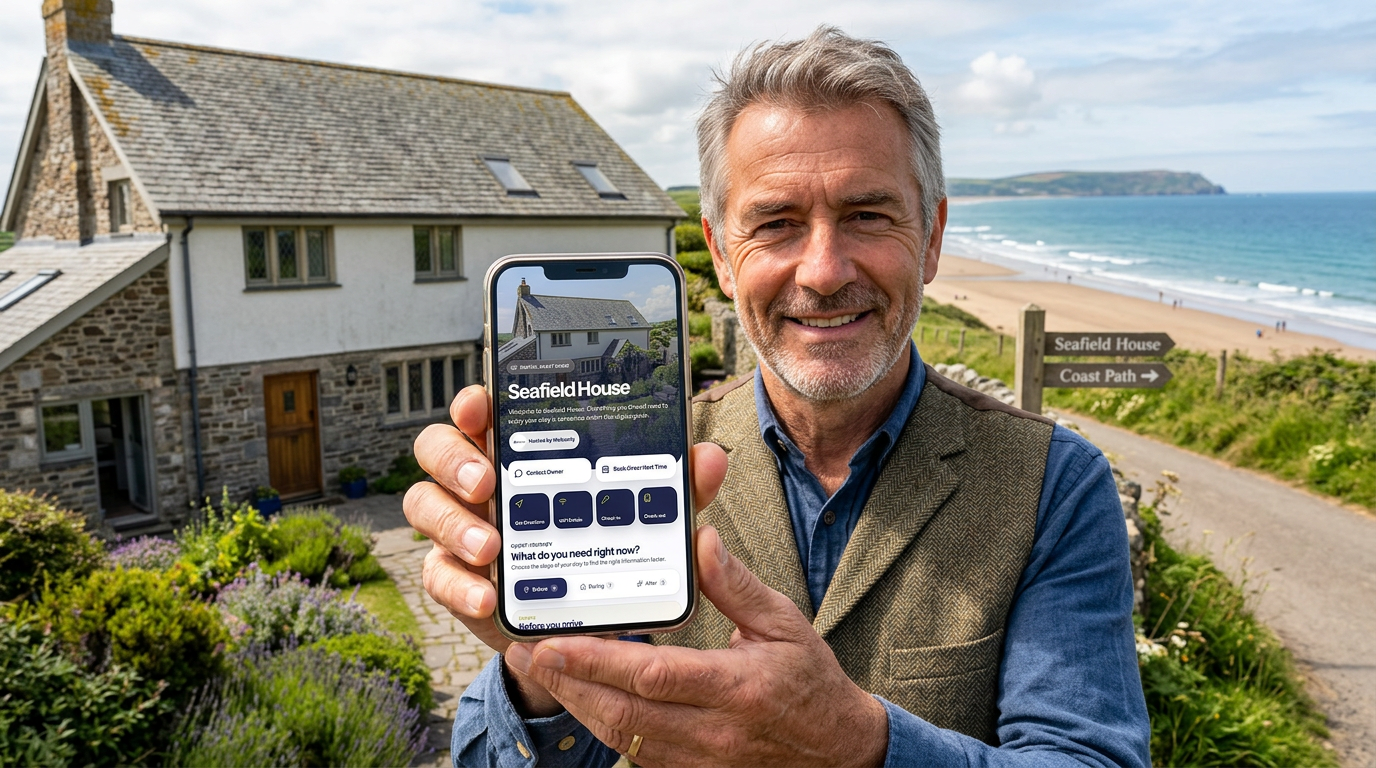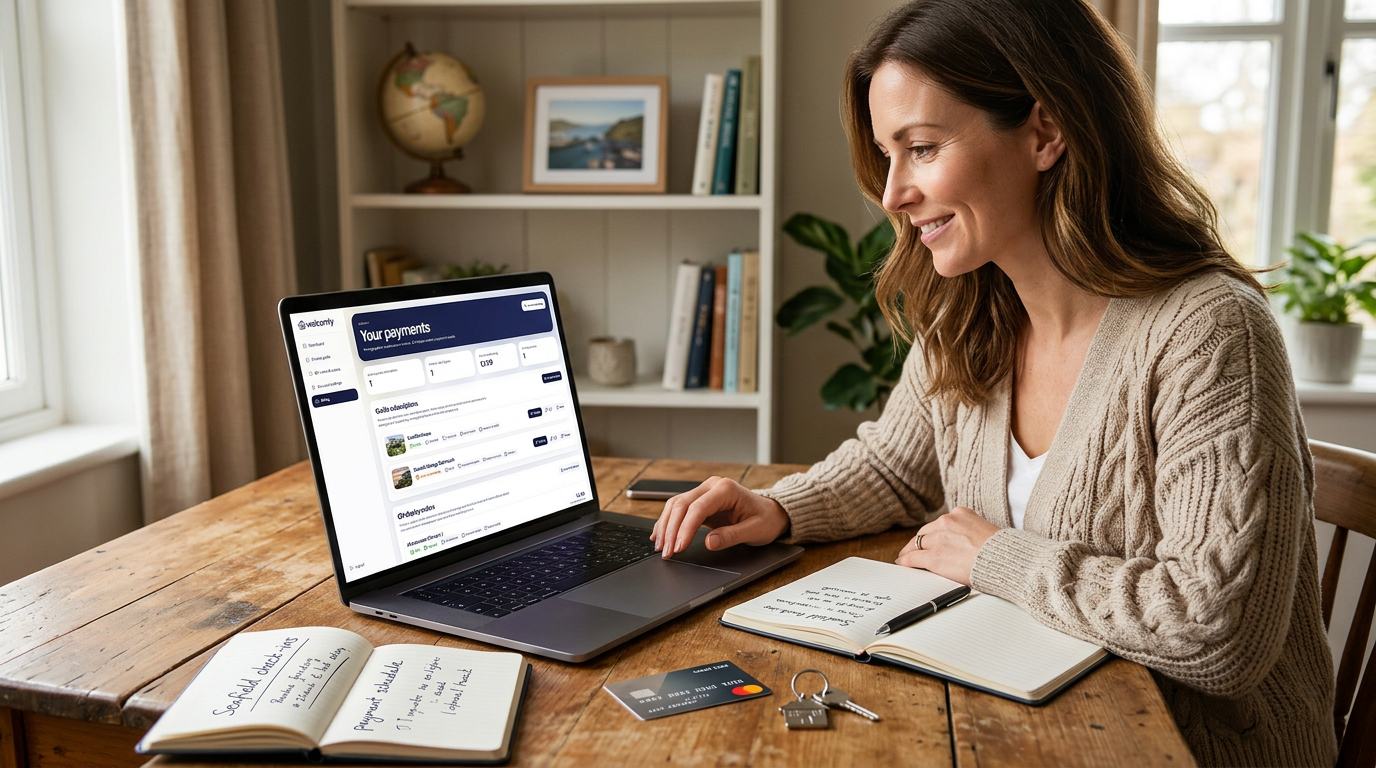
There are two separate stages: preparing your guide and making it available to guests. You can take your time with the first stage.
In this guide
Check the correct property before confirming
A subscription applies to an individual published guide. Review the property name, the monthly amount, whether a trial applies and the next billing date on the checkout screen. Building a draft is free. Eligible new guides receive 30 days free on first publication, then £4.99 per month. A guide that already used its trial does not receive a fresh trial simply because it is republished.
Create and preview your guide for free
You can start building your Welcomly guide without activating it straight away.
This gives you time to add the important guest information, such as check-in details, WiFi, parking, access instructions, local recommendations and check-out notes.
You can also preview the guest-facing guide before it goes live.
This is useful because it lets you check the guide properly before sharing it with real guests.
What you can do before activation
Before activating your guide, you can use the owner portal to create and prepare your guide.
You can usually:
- create a new property guide
- add property details
- add the property address
- set guest contact options
- add guest information cards
- upload helpful photos
- add WiFi and access information
- add review and book-again details
- choose simple accent colours
- preview the guide before publishing
This means you can build the guide first and decide whether you are happy with it before activating it.
What activation means
Activation is the step that makes your guide ready to use with real guests.
Once a guide is activated and published, guests can open it using the public guide link or by scanning the QR code.
Activation is handled per guide, so each property guide has its own activation status.
If you manage more than one property, each guide can be created, previewed and activated separately.
When do I need to pay?
You only need to pay when you are ready to activate a guide and make it live for guests.
You do not need to pay just to create the guide or preview how it looks.
This lets you build your guide properly before committing to activation.
For example, you might create the guide, add your main guest information, preview it on your phone, make a few edits, and then activate it when you are ready to place the QR code in your property.
How much does activation cost?
Welcomly is charged per active guide.
The current activation price is shown clearly before checkout, so you can review the cost before confirming payment.
This keeps things simple. You do not need to choose between complicated plans or feature tiers before creating your guide.
Each active guide is linked to one property guide, so if you only need one guide, you only activate one guide.
Why pricing is per guide
Welcomly is designed around individual property guides.
Charging per active guide keeps the setup simple for owners with one property, while still allowing owners with multiple properties to manage each guide separately.
For example:
- one property needs one active guide
- two properties need two active guides
- each guide has its own public link and QR code
- each guide can be updated separately
This means every property can have its own guest information, contact options, QR code, PIN and guide content.
What happens after activation?
After activation, your guide can be made live for guests.
Guests can then open the guide using the public guide link or QR code, depending on how you choose to share it.
Your activated guide can include:
- arrival information
- parking and access details
- WiFi information
- house rules
- appliance instructions
- local recommendations
- nearby essentials
- check-out notes
- review links
- book-again options
Guests do not need to download an app or create an account. They simply open the guide from the link or scan the QR code.
Can I still edit the guide after activation?
Yes. You can continue editing your guide after it has been activated.
This is one of the biggest benefits of using a digital guest guide.
If your WiFi password changes, your lockbox code changes, your check-out process changes, or you want to add a new recommendation, you can update the guide and save it.
The guest guide updates instantly, so you do not need to reprint a welcome book, replace a PDF, or send every guest a new document.
What happens if I save a guide as a draft?
If you save a guide as a draft, it stays in your owner portal while you continue working on it.
Draft mode is useful when the guide is not ready to share with guests yet.
You might keep a guide in draft while you:
- finish adding guest cards
- check the wording
- upload photos
- test PIN-protected cards
- preview the guide on mobile
- prepare your QR display
When you are happy with the guide, you can activate it from the owner dashboard or Publish area.
What happens if a guide is not active?
If a guide is not active, it may not be available to guests as a live guide.
You can still use the owner portal to work on the guide and preview it, but activation is needed when you want to properly share it with guests.
If you are unsure whether a guide is active, check the guide status on your dashboard or in the Publish section of the guide editor.
How to activate a guide
You can activate a guide from the owner dashboard or from the Publish section inside the guide editor.
Look for the activation option on the guide you want to make live.
When you choose to activate the guide, you will be taken through the secure checkout process.
After activation is complete, return to the owner portal and check that the guide is ready to publish and share.
Payments are handled securely
Welcomly uses Stripe to handle payments securely.
Stripe is used by many online businesses to process card payments, subscriptions and billing details.
This means your payment information is handled through Stripe’s secure checkout and billing tools.
Welcomly does not ask you to manually send payment details by email or message.
What are optional QR add-ons?
Your Welcomly guide includes a QR code that guests can scan to open the guide.
You can download the QR code and use it yourself, or you can choose optional printed QR products if you want a more polished display inside the property.
Optional QR add-ons may include:
- laminated QR cards
- acrylic QR stands
- printed display options for your property
These are separate from guide activation and are designed to help you present the QR code neatly inside the property.
Do I need to order a printed QR product?
No. Printed QR products are optional.
You can download your QR code and print it yourself if you prefer.
However, a printed card or acrylic stand can make the guide feel more professional and easier for guests to notice.
Many owners place a QR display on a kitchen counter, entrance table, welcome area or coffee table.
What is the difference between activation and QR add-ons?
Activation makes your digital guide live for guest use.
QR add-ons are physical display products that help guests find and scan the guide inside the property.
They are separate things.
You can activate a guide without ordering a printed QR product, and you can decide later whether a laminated card or acrylic stand would be useful for your property.
Can I manage more than one guide?
Yes. If you manage more than one property, you can create more than one guide.
Each property guide has its own content, public link, QR code, guest PIN and activation status.
This means you can keep each property separate and make sure guests only see the information that belongs to the property they are staying in.
What should I check before activating?
Before activating a guide, preview it and check the most important information.
Make sure:
- the property name is correct
- the address is accurate
- the public guide link looks right
- contact options are correct
- check-in details are clear
- parking and access details are accurate
- WiFi information is correct
- private cards are PIN-protected where needed
- check-out instructions are complete
- review and book-again links work
- the guide looks good on mobile
This helps make sure guests get a smooth experience when the guide goes live.
What if I activate too early?
If you activate a guide and then notice something needs changing, you can still edit the guide.
Activation does not lock your content.
Open the guide editor, update the relevant section and save your changes.
The guest guide will update with the latest information.
Can I deactivate or cancel later?
If you no longer need an active guide, you can manage your subscription or billing through the available account and billing options.
Because payments and billing are handled through Stripe, any subscription management or billing updates will usually happen through Stripe’s secure billing tools.
If you are unsure where to manage this, check the account or billing area in the owner portal.
Simple activation checklist
Before activating your guide, check that:
- you have previewed the guide
- the essential guest information is complete
- private details are protected where needed
- the public link is correct
- the QR code opens the right guide
- you are ready for real guests to access the guide
- you understand the activation cost shown at checkout
- you know that optional QR products are separate from activation
Once these points are checked, you can activate your guide with confidence.
Build first, activate when ready
Welcomly is designed so you can build your guide before making it live.
This gives you time to create a useful guest experience, preview it properly, and only activate the guide when you are ready to share it.
Start with the essentials, improve the guide over time, and use your QR code to give guests quick access to the latest information whenever they need it.
Current subscription terms
Build and preview a draft for free. First publication of an eligible new guide starts a 30-day free trial, then £4.99 per month per guide. A payment method is collected at publishing checkout. Check your billing account for renewal and cancellation dates. See current pricing.
Pricing is per published guide, so it scales with your portfolio. See guest guides for small portfolios for how owners with several properties set things up.
Ready to build your guide?
Free to build. 30 days free when you publish. £4.99 a month after that.